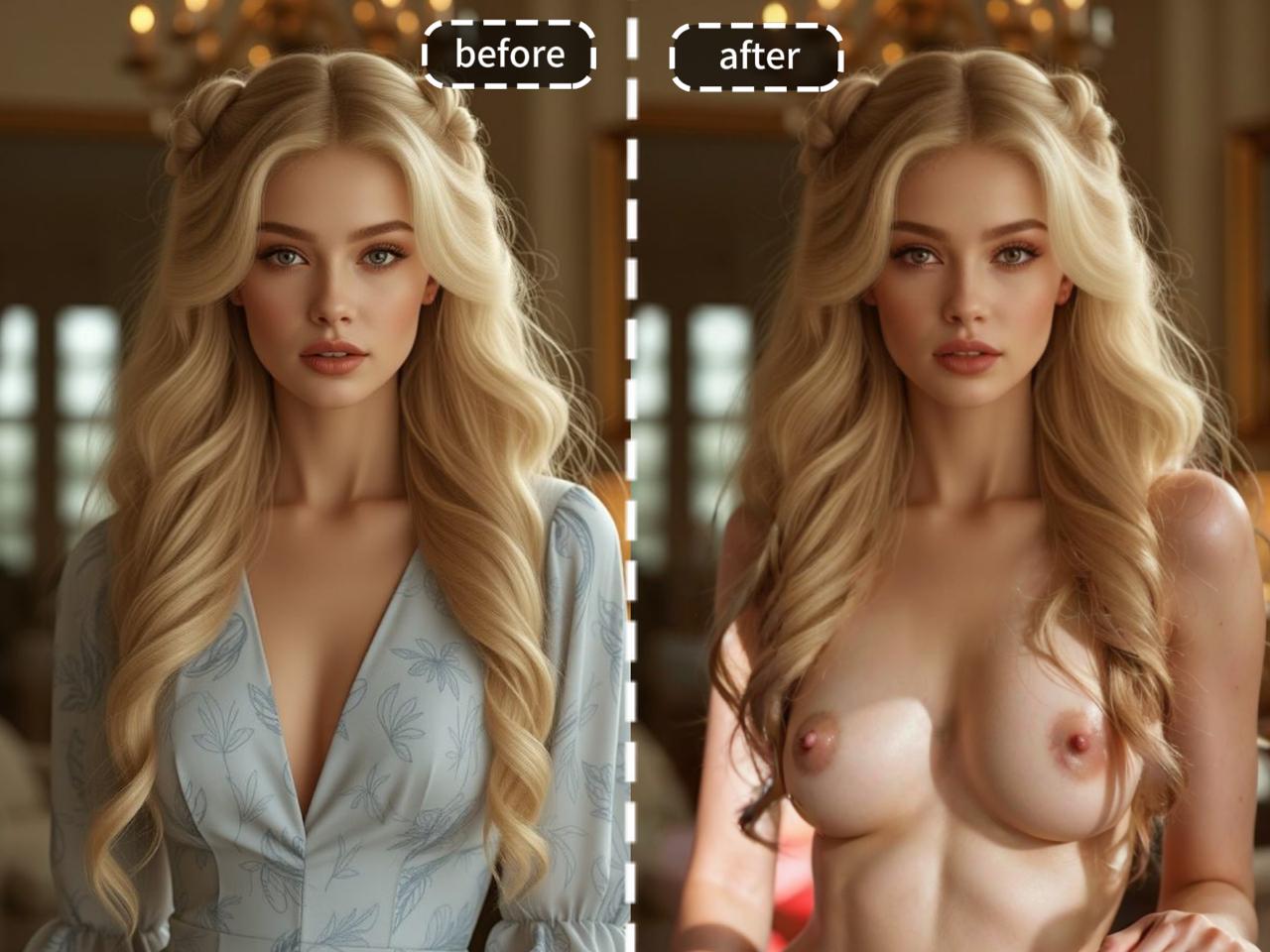
Cái này chỉ áp dụng ảnh tĩnh, muốn làm clip chúng mày tự tìm model, workflows trên civitai nhé
Tao dùng 12400f, 2060 12G, 32G RAM 1 ảnh chạy mất khoảng 3 phút.
Yêu cầu:
Máy tính có GPU ít nhất 12GB VRAM
Tải những thứ sau:
Comfyui portable: https://github.com/comfyanonymous/C...t/download/ComfyUI_windows_portable_nvidia.7z
Model:
Cho vào trong folder ComfyUI_windows_portable\ComfyUI\models\diffusion_models
CLIP:
 Cho vào trong folder ComfyUI_windows_portable\ComfyUI\models\text_encoders
vae:
 Cho vào trong folder ComfyUI_windows_portable\ComfyUI\models\vae
Custom node:

 github.com
 github.com
 github.com
https://github.com/ltdrdata/ComfyUI-Inspire-Pack
Cho vào trong folder ComfyUI_windows_portable\ComfyUI\custom_nodes
(một số custom node sẽ yêu cầu cài đặt phần bổ trợ bằng câu lệnh Python, đọc hướng dẫn trong trang Github để biết thêm chi tiết)
Workflow:

 gofile.io
tải về xong kéo thả vào cửa sổ Comfyui
gofile.io
tải về xong kéo thả vào cửa sổ Comfyui
Lora tìm trên civitai.red (yêu cầu đăng nhập để có model nsfw)
Bắt đầu:
1- Giải nén file Comfyui Portable đã tải về ở bước 1
2- Copy các model vào các folder tương ứng
3- Chạy run_nvidia_gpu.bat
4- Kéo thả file Workflow vào cửa sổ Comfyui
5- Tải ảnh vào node Load Image, viết prompt vào CLIP Text Encoder, thêm LORA nếu muốn, bấm RUN và chờ ma thuật xuất hiện.


Tao dùng 12400f, 2060 12G, 32G RAM 1 ảnh chạy mất khoảng 3 phút.
Yêu cầu:
Máy tính có GPU ít nhất 12GB VRAM
Tải những thứ sau:
Comfyui portable: https://github.com/comfyanonymous/C...t/download/ComfyUI_windows_portable_nvidia.7z
Model:
Cho vào trong folder ComfyUI_windows_portable\ComfyUI\models\diffusion_models
CLIP:
split_files/text_encoders/qwen_3_8b.safetensors · Comfy-Org/vae-text-encorder-for-flux-klein-9b at main
We’re on a journey to advance and democratize artificial intelligence through open source and open science.
huggingface.co
vae:
split_files/vae/flux2-vae.safetensors · Comfy-Org/flux2-dev at main
We’re on a journey to advance and democratize artificial intelligence through open source and open science.
huggingface.co
Custom node:
GitHub - rgthree/rgthree-comfy: Making ComfyUI more comfortable!
Making ComfyUI more comfortable! Contribute to rgthree/rgthree-comfy development by creating an account on GitHub.
github.com
GitHub - pythongosssss/ComfyUI-Custom-Scripts: Enhancements & experiments for ComfyUI, mostly focusing on UI features
Enhancements & experiments for ComfyUI, mostly focusing on UI features - pythongosssss/ComfyUI-Custom-Scripts
github.com
GitHub - yolain/ComfyUI-Easy-Use: In order to make it easier to use the ComfyUI, I have made some optimizations and integrations to some commonly used nodes.
In order to make it easier to use the ComfyUI, I have made some optimizations and integrations to some commonly used nodes. - yolain/ComfyUI-Easy-Use
github.com
https://github.com/ltdrdata/ComfyUI-Inspire-Pack
Cho vào trong folder ComfyUI_windows_portable\ComfyUI\custom_nodes
(một số custom node sẽ yêu cầu cài đặt phần bổ trợ bằng câu lệnh Python, đọc hướng dẫn trong trang Github để biết thêm chi tiết)
Workflow:
Gofile - Cloud Storage Made Simple
Secure, fast and free cloud storage solution. Upload and share files instantly.
gofile.io
Lora tìm trên civitai.red (yêu cầu đăng nhập để có model nsfw)
Bắt đầu:
1- Giải nén file Comfyui Portable đã tải về ở bước 1
2- Copy các model vào các folder tương ứng
3- Chạy run_nvidia_gpu.bat
4- Kéo thả file Workflow vào cửa sổ Comfyui
5- Tải ảnh vào node Load Image, viết prompt vào CLIP Text Encoder, thêm LORA nếu muốn, bấm RUN và chờ ma thuật xuất hiện.